
Virtual Staging
Real Estate Photos
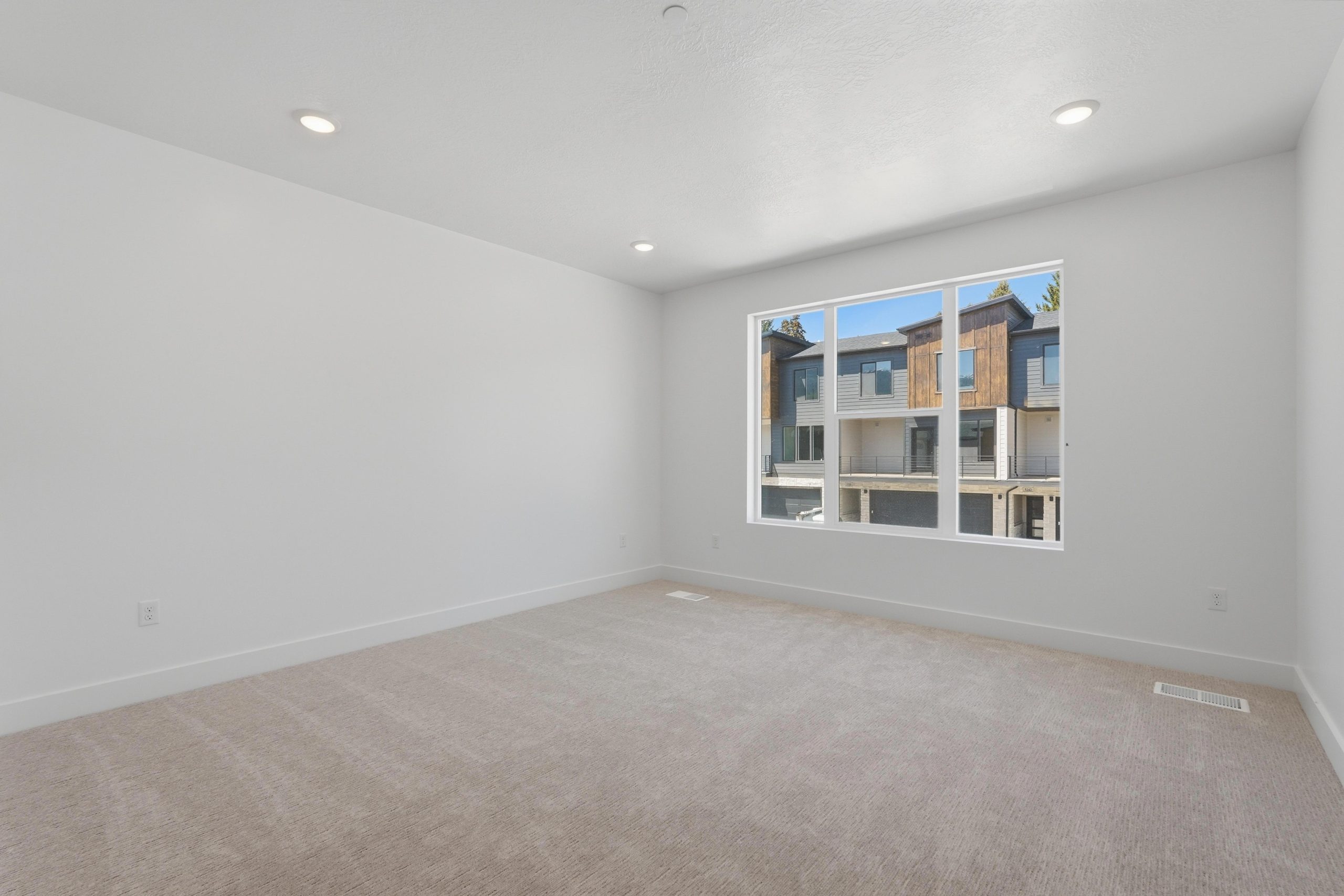
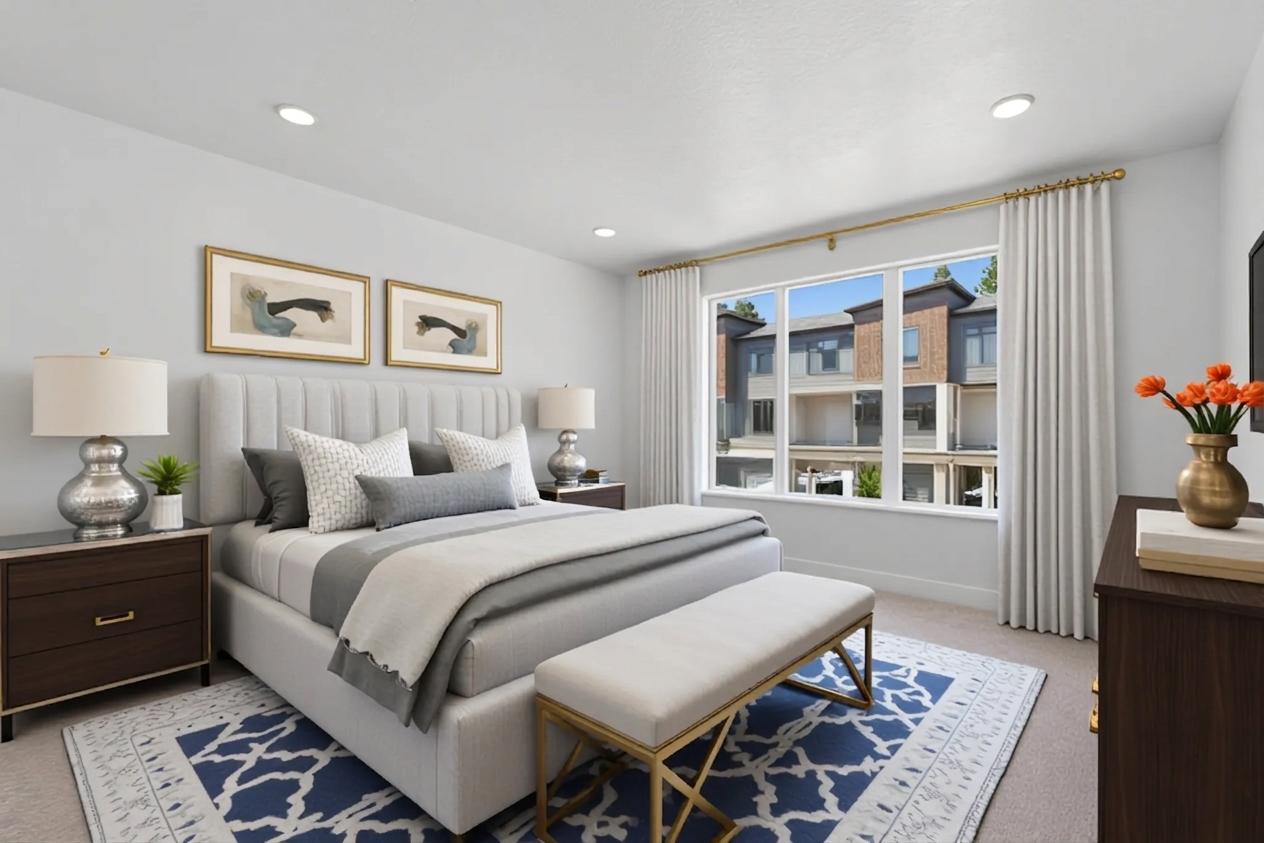
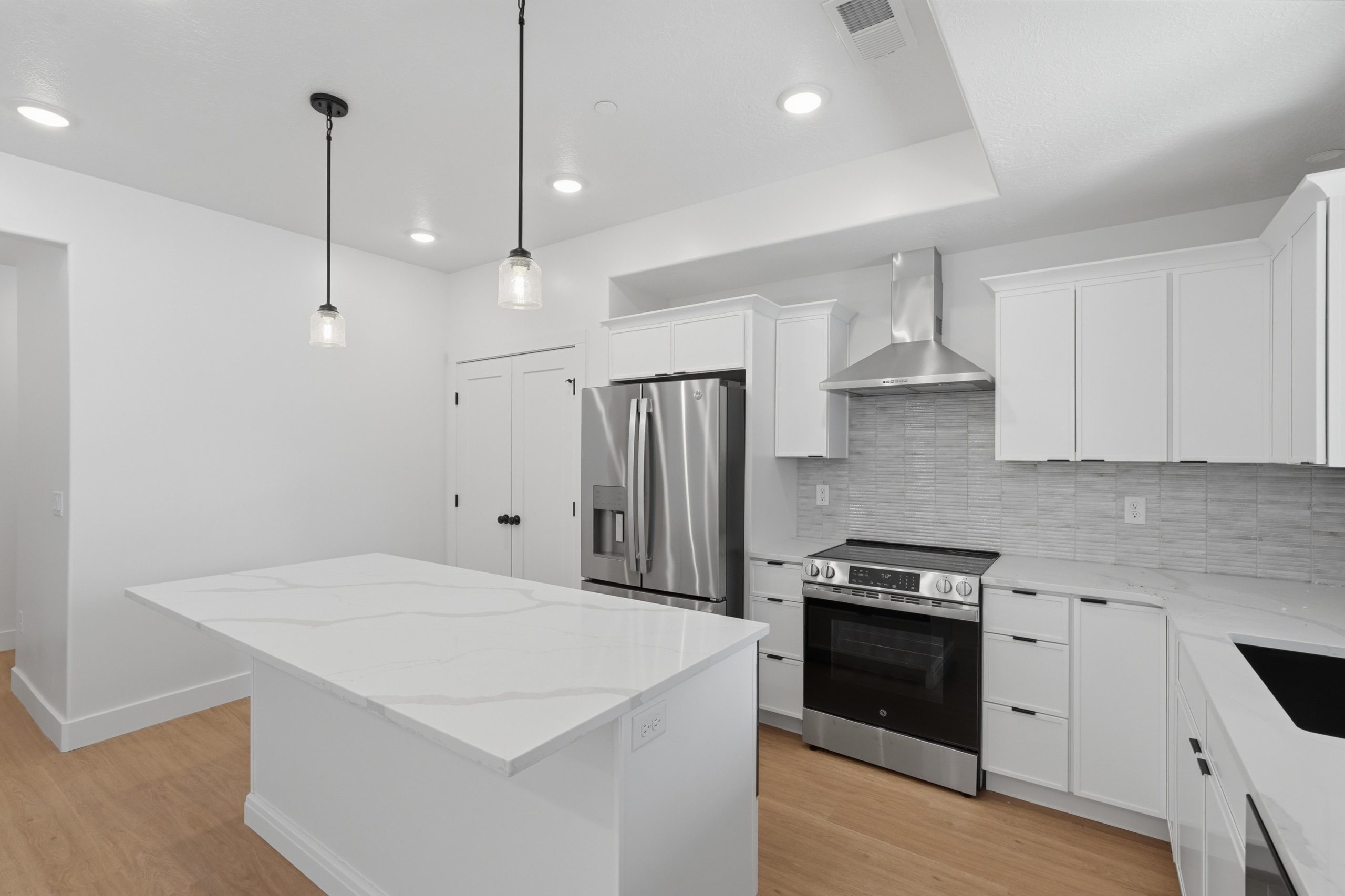
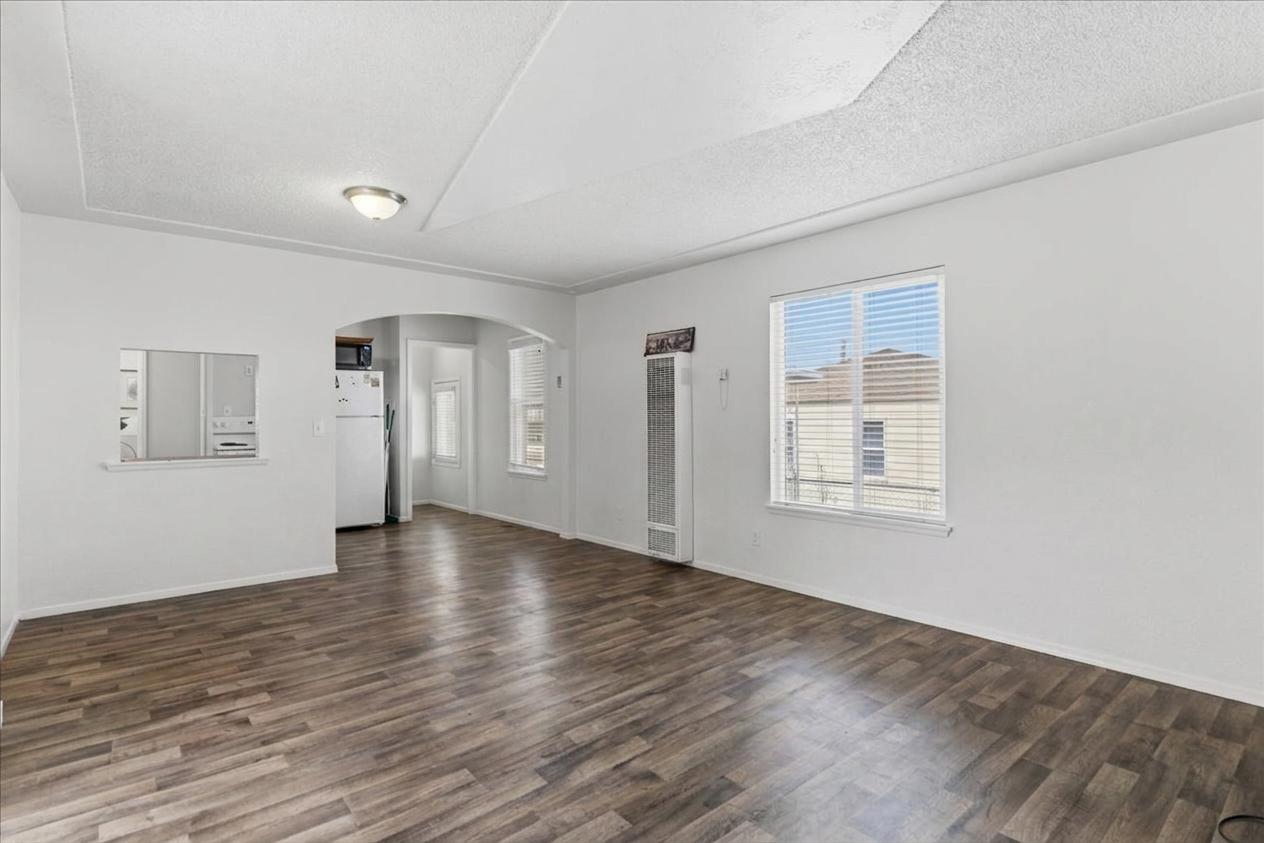
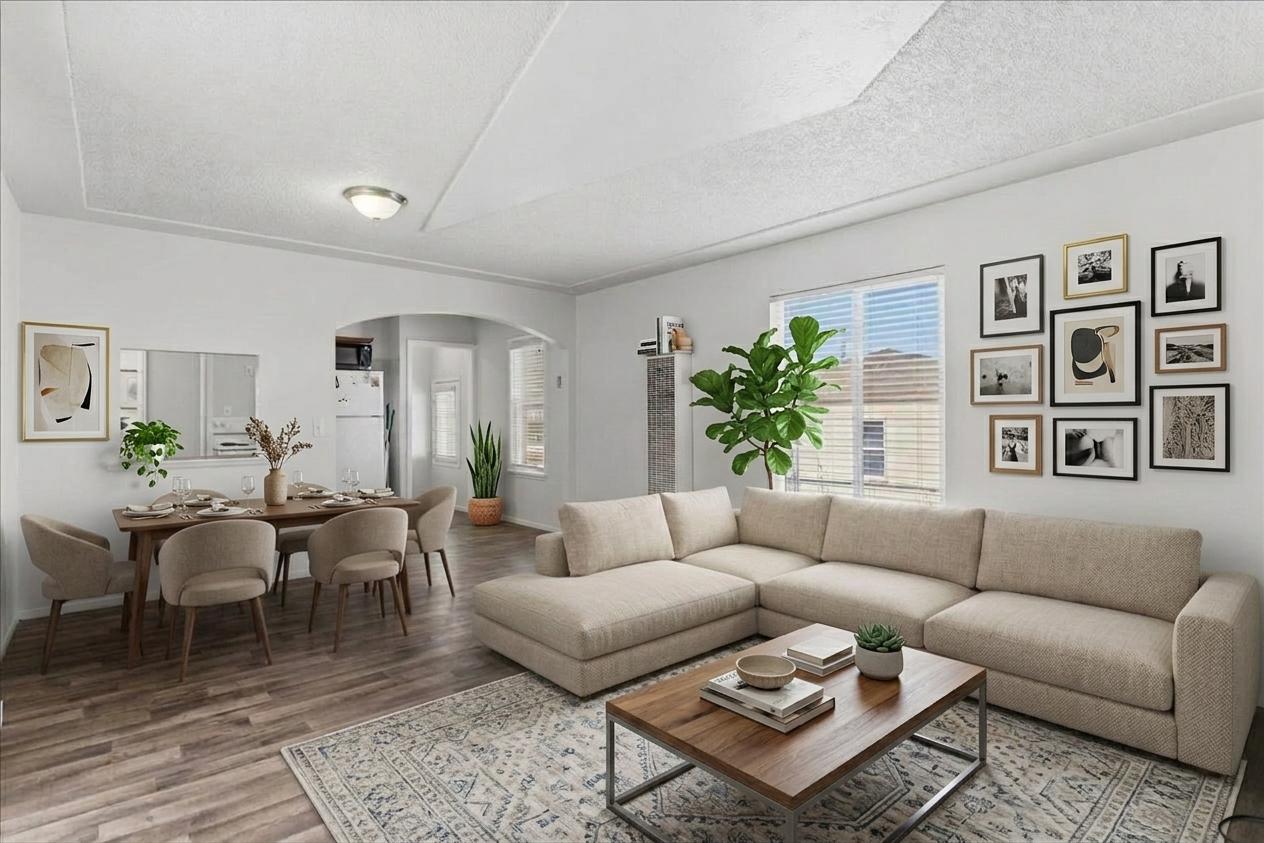
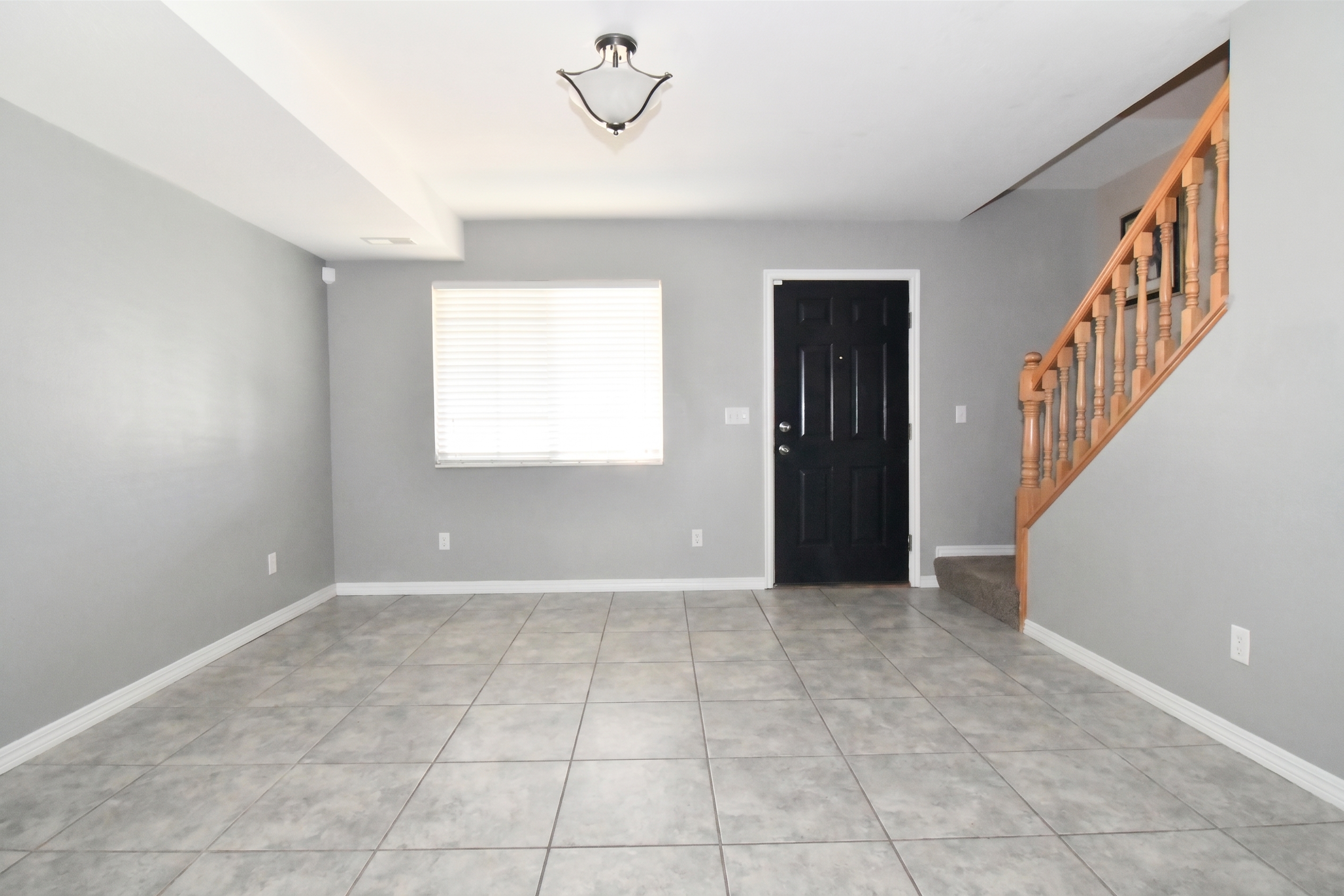
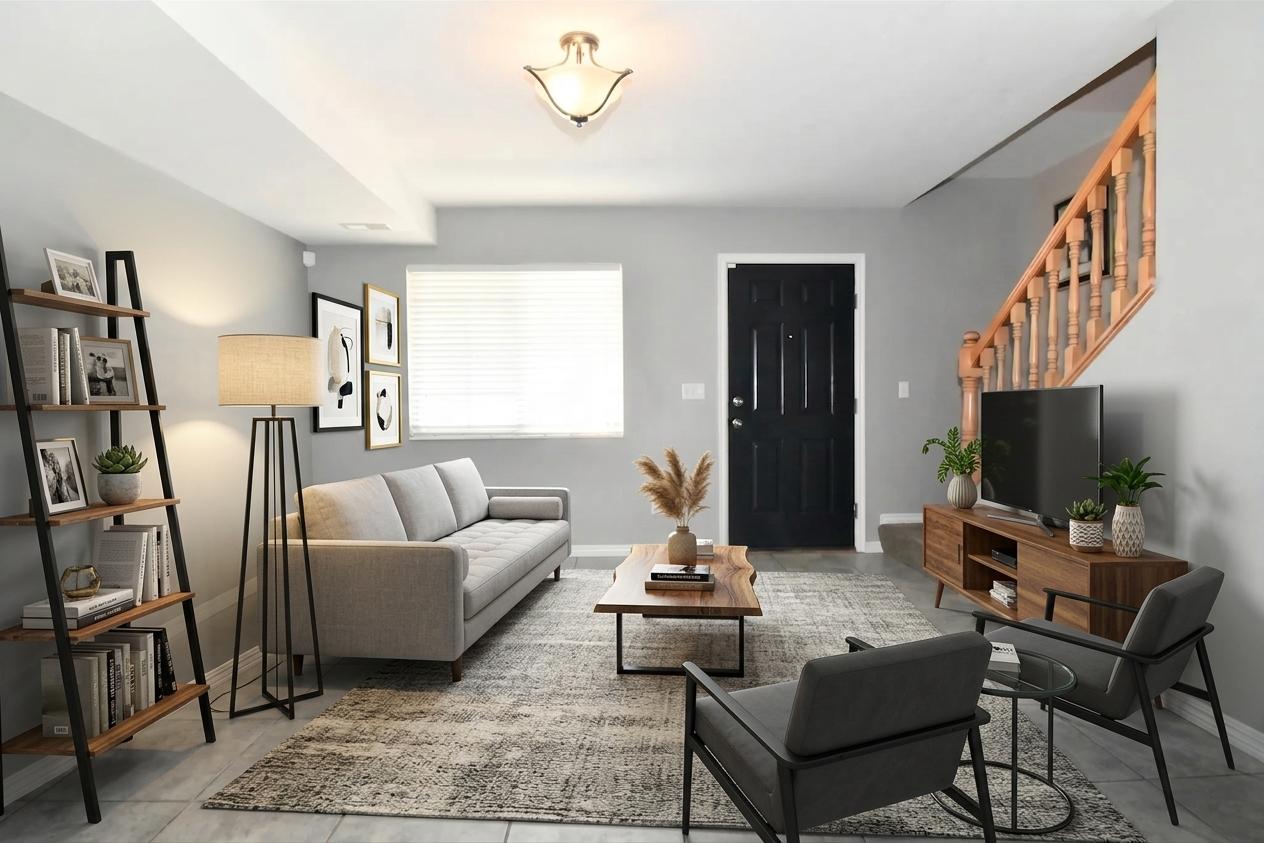
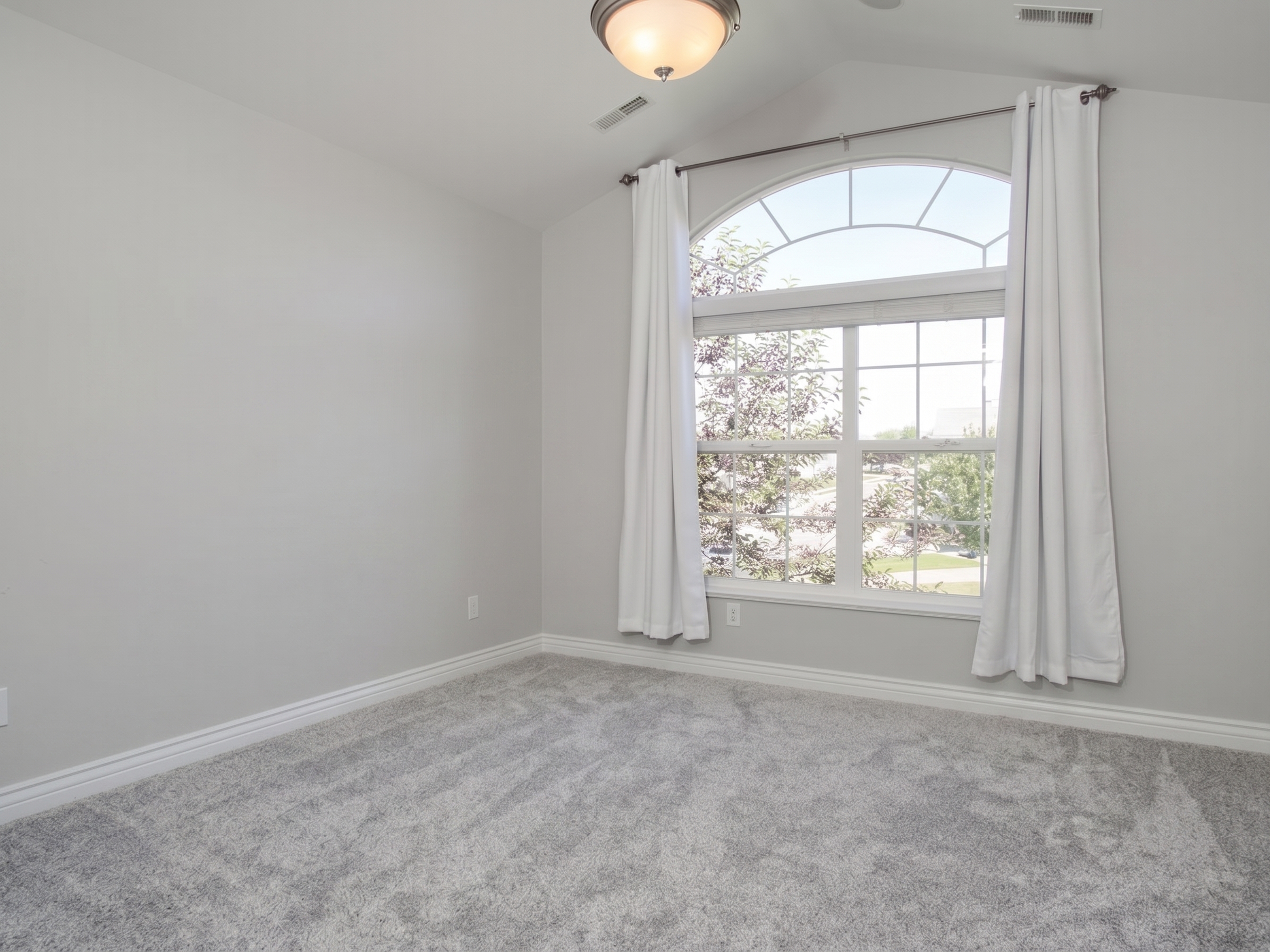
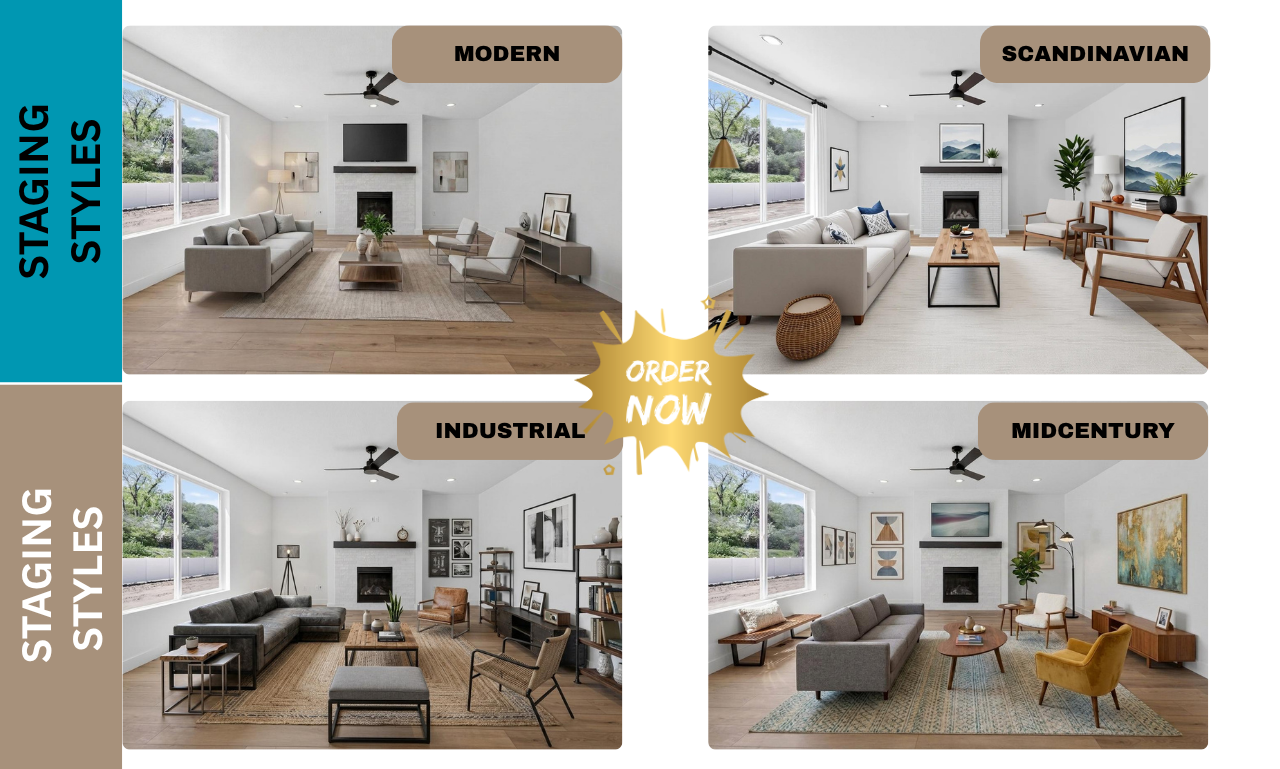
Pick a design style
- Modern
- Scandinavian
- Industrial
- Midcentury
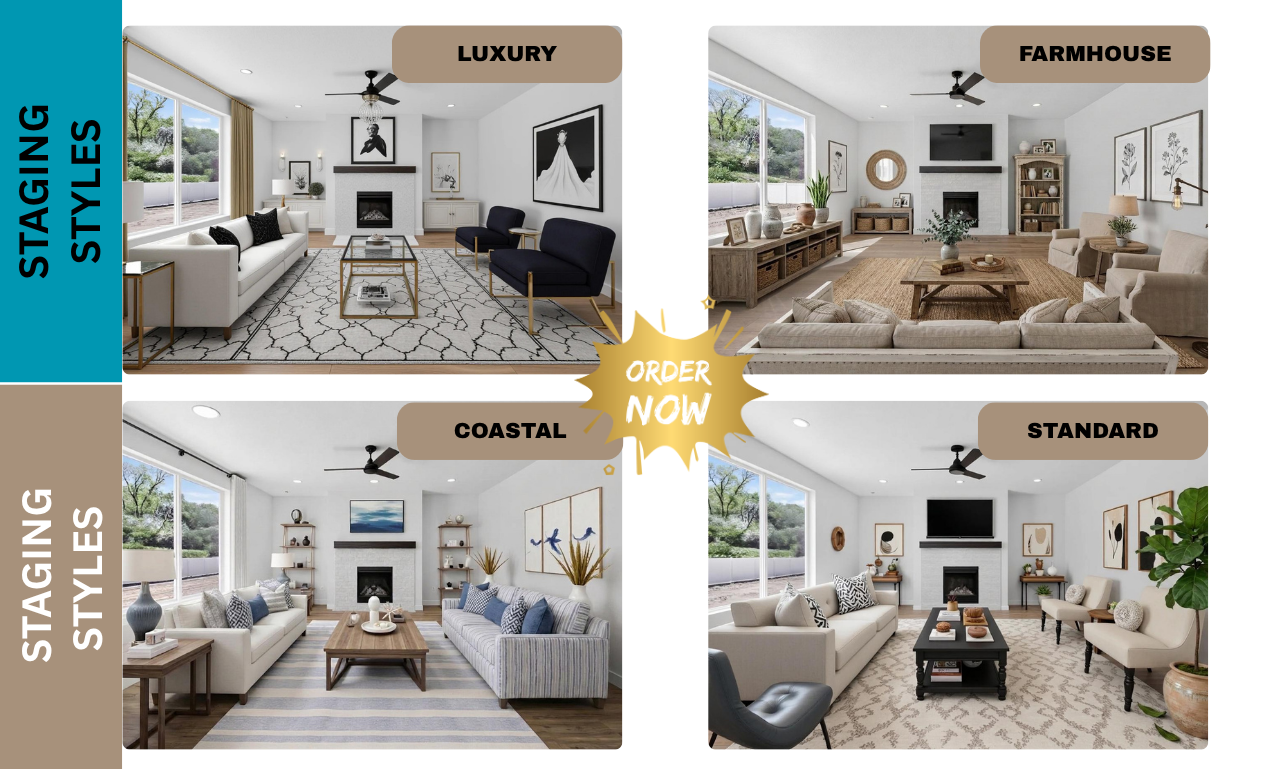
- Luxury
- Farmhouse
- Coastal
Standard. I will select Modern if nothing is selected – Most popular
About this service:
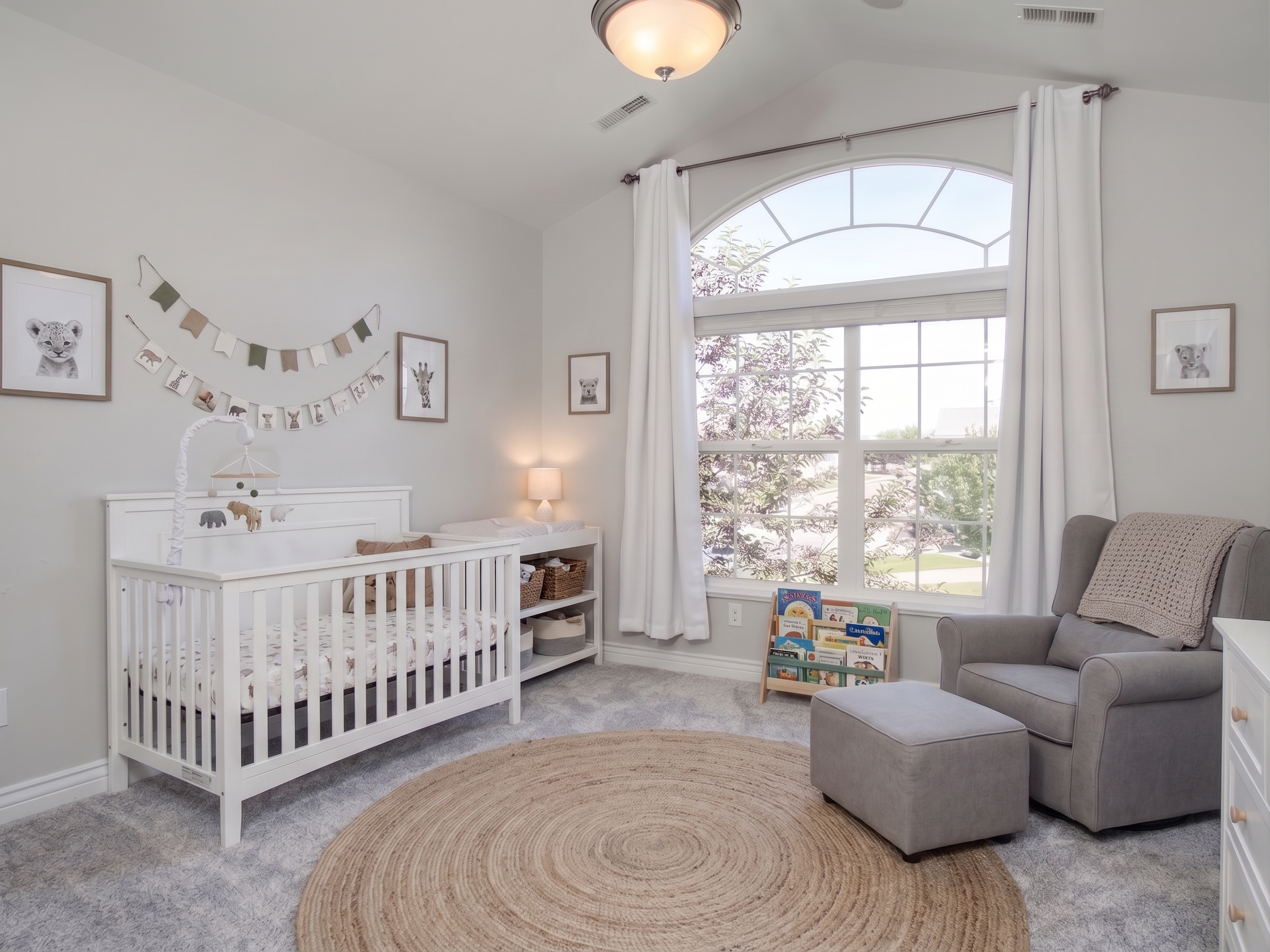
We virtually stage empty rooms into beautifully staged spaces that help buyers visualize your propertys full potential.
We can also transform furnished rooms that are outdated, or cluttered with furniture. Please refer to addons for this project after selecting a package.
We create realistic AI virtual staging for Realtors®, builders, investors, property managers and FSBO sellers using your existing photos. Every image is carefully reviewed to ensure only furnishings and décor are added. The homes structure, layout, windows, doors, and permanent features remain unchanged.
AI Edit Options:
- Virtual Staging
- Furniture & Clutter Removal
Exterior photo Enhancements:
- Lawn Replacement
- Blue Sky
- Twilight Images
- Color & Lighting Enhancement
6 Ideal Rooms to Virtually Stage:
- Living Room
- Kitchen
- Dining
- Primary Bedroom
- Bathroom
- Office
Please Note: Realtors® should follow their local MLS rules regarding virtual staging disclosures and show the original images when required. Buyers love to see the before and after transformation photos anyway!
What You Get
- High-resolution staged images (JPG/PNG)
- Your choice of furniture style — modern, traditional, coastal, and more
- One (1) free revision round, within 5 days of delivery
- Delivery via secure link, accessible for 60 days
What We'll Need From You
- Select a package on the right to begin order
- Empty room photos — well-lit, straight-on angle recommended
- Your preferred furniture design style or aesthetic
- Anything specific to include or avoid
- Collected right at checkout — no extra steps after payment
FAQ's
What do you need for virtual staging?
1) Professional photo of the room. 2) Name of the room 3) The Design style 4) Additional comments or things we should know.
What styles are there to choose from?
1) Modern. 2) Scandinavian 3) Industrial 4) Midcentury 5) Luxury 6) Farmhouse 7) Coastal 8) Standard. I will select Modern if nothing is selected – Most popular
Can I make changes after I accept the photo?
Yes, you can have up to 1 virtual staging revision per basic plan order, 2 revisions for Standard plan and 3 revisions for the Premium plan order.
There are addons if you wish to add images or request additional AI edits like removal or furniture, design style, lawn or blue-sky replacement. These are considered an addon at an extra charge.
What is NOT included in a Revision?
Change of photo or angle (considered new work). Changing the style of furniture is a paid change. Changing the purpose of the room is a paid change. Example: Bedroom to office
What are the best photos for virtual staging?
For the best results, it's recommended to submit professional high-resolution photos with good lighting of the rooms you want virtually staged. Best if the image is straight on rather than angled or tilted. Photos should be taken as far back in the room to incorporate furnishings. We can work with most images even if they are angled.
What is the turnaround time?
The time required for virtual staging depends on the complexity of the project and the number of rooms ordered. Typically, you can receive your order within 1 to 2 business days. There is an option for a Rush service.
How do I send you my images?
You will be asked to upload an image during checkout. If you have more than one image please create a zip file and upload the zipped file. Here is instruction on how to do that: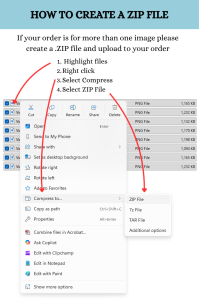
Request Custom Quote
Starter Package
$10 / Virtual Staging 1 photo
Add new furniture to the photo of an empty room
- 1 Image
- 1 Revision
- 2 day delivery
Plus Package
$20 / Virtual Staging 3 photos
Add new furniture to the photos of 3 empty rooms
- Up to 3 Images
- 2 Revisions per order
- 2 day delivery
Pro Package
$40 / Virtual Staging 6 photos
Add new furniture to the photos of 6 empty rooms
- Up to 6 Images
- 3 Revisions per order
- 2 day delivery